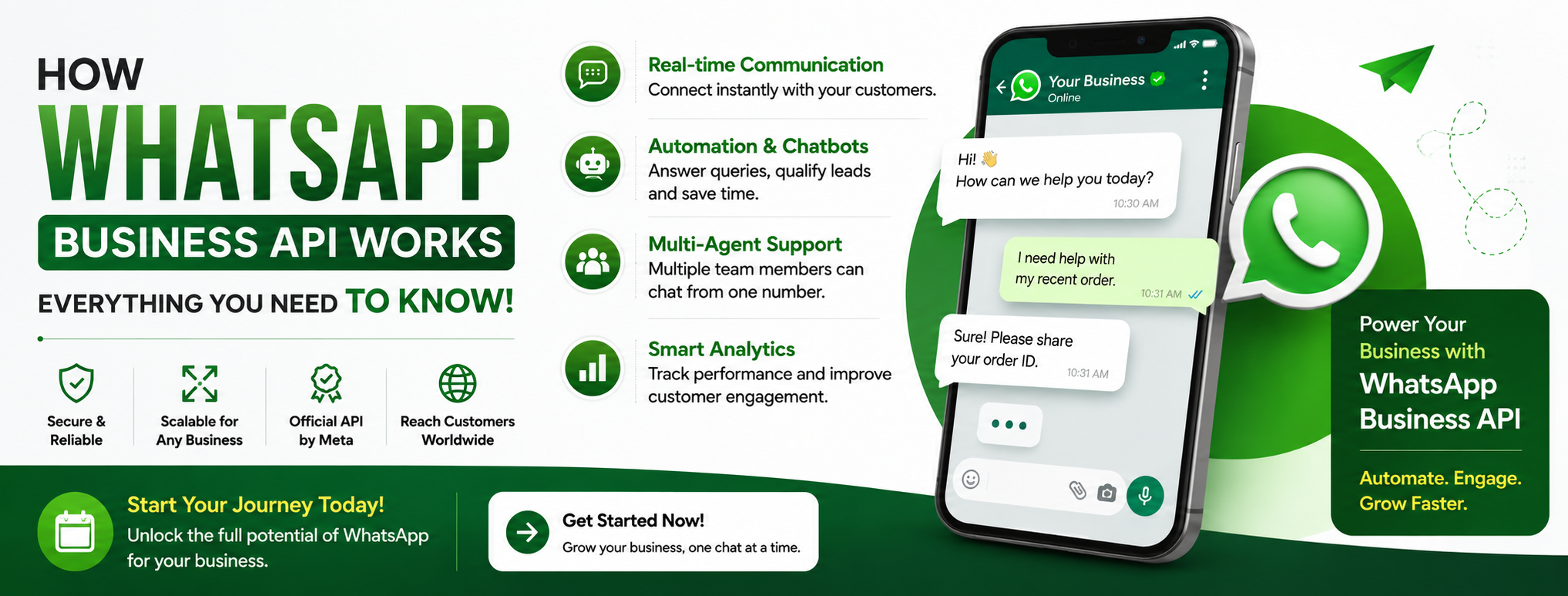
How WhatsApp Business API Works: Everything You Need to Know
Pre-Article Message:
This comprehensive SEO-optimized guide explains How WhatsApp Business API Works in simple language. Whether you're a startup, SME, enterprise, or developer, you'll learn how the API works, its architecture, benefits, setup process, pricing, automation capabilities, integrations, and best practices.
How WhatsApp Business API Works: Everything You Need to Know – Ultimate 2026 Guide
Comprehensive Article Outline
| Sno | Topic |
|---|---|
| 1 | Introduction |
| 2 | What is WhatsApp Business API? |
| 3 | Why Businesses Choose WhatsApp Business API |
| 4 | How WhatsApp Business API Works |
| 5 | WhatsApp Business API Architecture |
| 6 | Features of WhatsApp Business API |
| 7 | WhatsApp Business App vs API |
| 8 | Automation and Chatbots |
| 9 | CRM and Software Integrations |
| 10 | Security and Compliance |
| 11 | Pricing Model Explained |
| 12 | Best Practices |
| 13 | Common Use Cases |
| 14 | Future of WhatsApp Business API |
| 15 | Frequently Asked Questions |
| 16 | Conclusion |
How WhatsApp Business API Works: Everything You Need to Know
Businesses today need fast, reliable, and personalized communication. Customers expect immediate replies, order updates, appointment reminders, and support through messaging apps they already use. That's exactly where WhatsApp Business API comes in.
Understanding How WhatsApp Business API Works helps businesses automate customer conversations while maintaining a personal touch. Unlike the regular WhatsApp Business App, the API is designed for medium and large businesses that need advanced messaging capabilities, CRM integration, multiple agents, automation, analytics, and secure communication.
More than two billion people use WhatsApp globally, making it one of the most powerful customer communication platforms available today. By integrating the WhatsApp Business API into your business systems, you can improve customer engagement, increase sales, reduce response times, and deliver exceptional customer experiences.
What is WhatsApp Business API?
WhatsApp Business API is an official messaging platform developed by Meta that enables businesses to communicate with customers at scale.
Unlike the free WhatsApp Business App, the API doesn't include a standalone interface. Instead, it connects with software platforms, CRM systems, customer support applications, and marketing automation tools.
Businesses use the API to:
- Send order confirmations
- Deliver OTP verification codes
- Share invoices
- Send shipping updates
- Provide customer support
- Automate responses
- Run marketing campaigns
- Collect customer feedback
The API is intended for organizations that require professional communication and scalable messaging.
Why Businesses Choose WhatsApp Business API
There are many reasons organizations are switching from traditional SMS and email to WhatsApp Business API.
Better Customer Engagement
Customers open WhatsApp messages significantly more often than emails.
Faster Response Time
Businesses can respond instantly using automation.
Rich Media Support
Businesses can send:
- Images
- Videos
- PDFs
- Audio
- Product Catalogs
- Interactive Buttons
- Lists
- Location Pins
Global Reach
Customers already use WhatsApp daily, eliminating the need to install another application.
How WhatsApp Business API Works
Understanding How WhatsApp Business API Works becomes easier when you look at the complete communication flow.
Step 1: Business Verification
The first step is verifying your business through Meta.
Verification includes:
- Business registration
- Business website
- Official email
- Business documents
- Phone number verification
Verified businesses gain higher messaging trust.
Step 2: Phone Number Registration
Businesses register a dedicated phone number.
This number becomes the official WhatsApp Business API number.
Step 3: API Integration
The API connects with software such as:
- CRM
- ERP
- Customer Support Software
- Marketing Platforms
- Billing Software
- Ecommerce Websites
Developers use REST APIs and Webhooks for real-time communication.
Step 4: Message Templates
Businesses create pre-approved templates for outbound communication.
Examples include:
- Payment reminders
- Delivery updates
- Appointment reminders
- Welcome messages
- OTP verification
- Promotional campaigns
Meta reviews and approves templates before use.
Step 5: Customer Conversations
When customers send messages:
- Message reaches API server.
- Webhook notifies your application.
- CRM stores customer information.
- Bot or agent replies.
- Conversation continues naturally.
This entire process usually takes only a few seconds.
WhatsApp Business API Architecture
The architecture consists of several connected components.
| Component | Purpose |
|---|---|
| Customer | Sends messages |
| WhatsApp Server | Processes messages |
| Cloud API | Routes requests |
| Business Application | Handles logic |
| CRM | Stores customer data |
| Database | Saves conversations |
| Webhook | Receives events |
| Agent Dashboard | Human support |
The communication flow looks like this:
Customer
↓
↓
Cloud API
↓
Business Server
↓
CRM
↓
Agent/Bot
↓
Customer
This architecture ensures secure, scalable, and reliable messaging.
Features of WhatsApp Business API
The API offers numerous features that improve customer communication.
Multi-Agent Inbox
Multiple team members can reply from one WhatsApp number.
Broadcast Messaging
Send promotional campaigns to opted-in customers.
Interactive Messages
Use:
- Reply Buttons
- Call-to-Action Buttons
- List Messages
- Product Messages
Automation
Automatically reply to customers 24/7.
Customer Segmentation
Create groups using:
- Tags
- Labels
- Purchase History
- Interests
Analytics
Track:
- Delivery Rate
- Read Rate
- Response Rate
- Conversion Rate
WhatsApp Business App vs API
| Feature | Business App | Business API |
|---|---|---|
| Free | Yes | No |
| Multiple Users | No | Yes |
| CRM Integration | No | Yes |
| Chatbot | No | Yes |
| Automation | Limited | Advanced |
| Broadcast Scale | Limited | Large |
| API Access | No | Yes |
| Analytics | Basic | Advanced |
Businesses with growing customer bases usually choose the API for scalability and automation.
Automation and Chatbots
Automation is one of the biggest advantages.
Businesses can automate:
- Lead qualification
- Appointment booking
- Customer support
- FAQ responses
- Product recommendations
- Order tracking
- Feedback collection
Example:
Customer:
"Where is my order?"
Bot:
"Please enter your Order ID."
Customer:
12345
Bot:
"Your order has been shipped and will arrive tomorrow."
If the issue requires assistance, the chatbot transfers the conversation to a live agent.
CRM and Software Integrations
The API integrates with:
- Salesforce
- HubSpot
- Zoho CRM
- Logicview CRM
- Microsoft Dynamics
- Shopify
- WooCommerce
- Magento
- Custom ERP
- Billing Software
Benefits include:
- Customer history
- Purchase records
- Automatic follow-ups
- Personalized messaging
- Lead management
Security and Compliance
Security is a major strength of WhatsApp Business API.
It includes:
- End-to-End Encryption
- Secure Cloud Infrastructure
- Business Verification
- User Opt-in Requirements
- GDPR Support
- Access Controls
- Audit Logs
Businesses should always obtain customer consent before sending marketing messages.
Pricing Model Explained
WhatsApp Business API pricing typically includes:
- Conversation-based charges
- Platform subscription (depending on provider)
- Optional setup fees
- Automation software fees
Conversation categories include:
- Marketing
- Utility
- Authentication
- Service
Pricing varies by country and conversation type, so check Meta's latest pricing or your Business Solution Provider (BSP).
Best Practices
To maximize success:
Always collect customer consent
Never send unsolicited messages.
Personalize conversations
Use customer names and relevant information.
Keep templates simple
Short, clear messages perform better.
Respond quickly
Customers expect fast replies.
Use automation wisely
Let bots handle repetitive tasks while allowing human agents to step in for complex issues.
Monitor analytics
Optimize campaigns using performance data.
Common Use Cases
Businesses across industries use WhatsApp Business API.
Ecommerce
- Order updates
- Cart recovery
- Promotions
Healthcare
- Appointment reminders
- Prescription notifications
Education
- Admissions
- Fee reminders
- Student updates
Banking
- OTP
- Balance alerts
- Transaction notifications
Travel
- Booking confirmations
- Flight updates
Real Estate
- Property inquiries
- Site visit scheduling
Future of WhatsApp Business API
The platform continues to evolve with new capabilities.
Emerging trends include:
- AI-powered customer support
- Generative AI assistants
- Voice messaging automation
- WhatsApp Flows
- Integrated payments
- Enhanced analytics
- Better CRM synchronization
- Personalized customer journeys
Businesses adopting these innovations will be well-positioned to improve customer experiences and operational efficiency.
For official documentation and updates, visit the WhatsApp Business Platform documentation: https://developers.facebook.com/docs/whatsapp
Frequently Asked Questions
1. Is WhatsApp Business API free?
No. Meta charges conversation-based fees, and your Business Solution Provider may charge additional platform fees.
2. Can small businesses use WhatsApp Business API?
Yes. Many providers offer affordable plans suitable for startups and small businesses.
3. Do I need coding knowledge?
Not necessarily. Many no-code platforms provide easy dashboards for using the API without programming.
4. Can multiple employees use one WhatsApp number?
Yes. Multi-agent access is one of the core advantages of the API.
5. Is customer data secure?
Yes. WhatsApp Business API uses end-to-end encryption for message security, along with additional business security measures.
6. Can I send marketing messages?
Yes, provided customers have opted in and you use approved message templates in accordance with WhatsApp's policies.
Conclusion
Understanding How WhatsApp Business API Works is essential for businesses looking to modernize customer communication. The platform combines secure messaging, automation, CRM integration, analytics, and scalability, making it a powerful tool for organizations of all sizes.
Whether you're sending order confirmations, automating support, nurturing leads, or running marketing campaigns, WhatsApp Business API helps streamline communication while providing customers with the fast, personalized experiences they expect.
By following best practices, using approved templates, respecting customer consent, and integrating the API with your business systems, you can unlock the full potential of WhatsApp as a customer engagement channel and drive sustainable business growth.
Post-Article Message:
Thank you for reading! This guide is designed to help businesses understand and successfully implement WhatsApp Business API. For even better SEO performance, consider adding custom diagrams, screenshots, comparison graphics, internal links, schema markup, and real-world case studies.